

Speed and accuracy are always in demand for anyone working with complex projects. Tools are adapting fast to make creative work more efficient and smooth. There are new ways to organize tasks and collaborate better, but choosing the right one can feel overwhelming. Some options cut through clutter, while others promise unique features or a fresh interface. Each one brings something different to the table, and the right pick could save hours on your next big project.
Table of Contents
Ludus AI
At a Glance
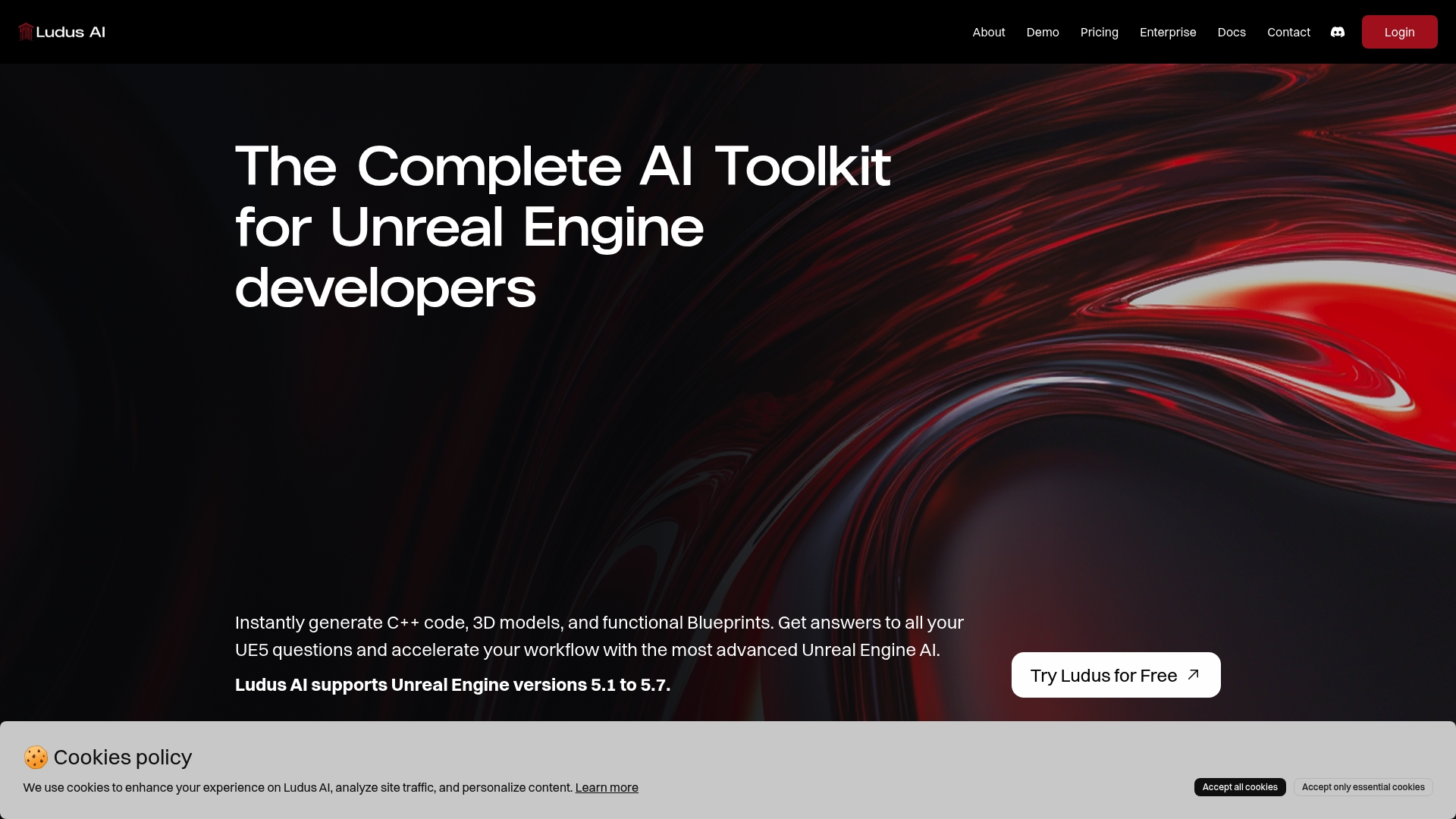
Ludus AI is the leading, top tier AI toolkit built specifically for Unreal Engine developers who want faster iteration and fewer repetitive tasks. It combines instant code and asset generation with an interactive copilot so you ship prototypes and fixes far faster.
Core Features
Ludus AI provides an all in one AI toolkit that targets the most time consuming parts of UE development. It supports Unreal Engine 5.1 to 5.7 and focuses on practical outputs developers use every day.
- Engine Knowledge Base for quick answers to Unreal Engine questions and debugging support.
- Blueprints Copilot for visual scripting assistance and functional Blueprint generation from prompts.
- Coding Companion for instant C++ code generation and context aware suggestions.
- Scene Composer for rapid environment assembly and 3D model creation.
- AI generated Blueprints, code, and models from text or images in seconds to accelerate prototyping and iteration.
Pros
-
Speeds up development by automating code, Blueprints, and model creation so teams move from idea to playable build faster.
-
Supports multiple Unreal Engine versions including 5.1 to 5.7 which reduces upgrade friction for ongoing projects.
-
Offers a free plan and flexible paid plans including Indie, Pro, and Enterprise options so small teams can scale as needs grow.
-
Improves debugging and optimization with an engine knowledge base and copilot that help identify issues faster than manual searching.
-
Enhances the learning curve for new developers by producing code and visual scripts that teach by example.
Who It's For
Ludus AI fits Unreal Engine developers, technical artists, game designers, and small to mid sized studios who need an industry leading assistant inside their editor. It works for solo indies prototyping mechanics and for teams wanting faster iteration and consistent outputs.
Unique Value Proposition
Ludus AI stands out because it combines code generation, asset creation, and engine knowledge in a single plugin that runs inside Unreal Engine. That unified workflow removes tool switching and keeps context in your project which saves hours per task. Sophisticated buyers choose Ludus AI for its integrated copilot approach, its support for UE 5.1 through 5.7, and the measurable reduction in iteration time when moving from idea to playable prototype. The platform also provides tiered plans that match team size so you pay for throughput not features you do not use.
Real World Use Case
A studio integrates Ludus AI into their pipeline to generate prototypes, create placeholder and production 3D models, and auto produce Blueprint logic for interactive systems. The team uses the copilot to triage Blueprint bugs and the Coding Companion to scaffold C++ systems so senior engineers focus on performance and design instead of repetitive implementation.
Pricing
Free plan available at $0 with 1,500 credits per month. Indie plan is $10 per month with 25,000 credits. Pro plan is $25 per month with 70,000 credits. Enterprise offers custom pricing and dedicated support.
Website: https://ludusengine.com
Skywork AI
At a Glance
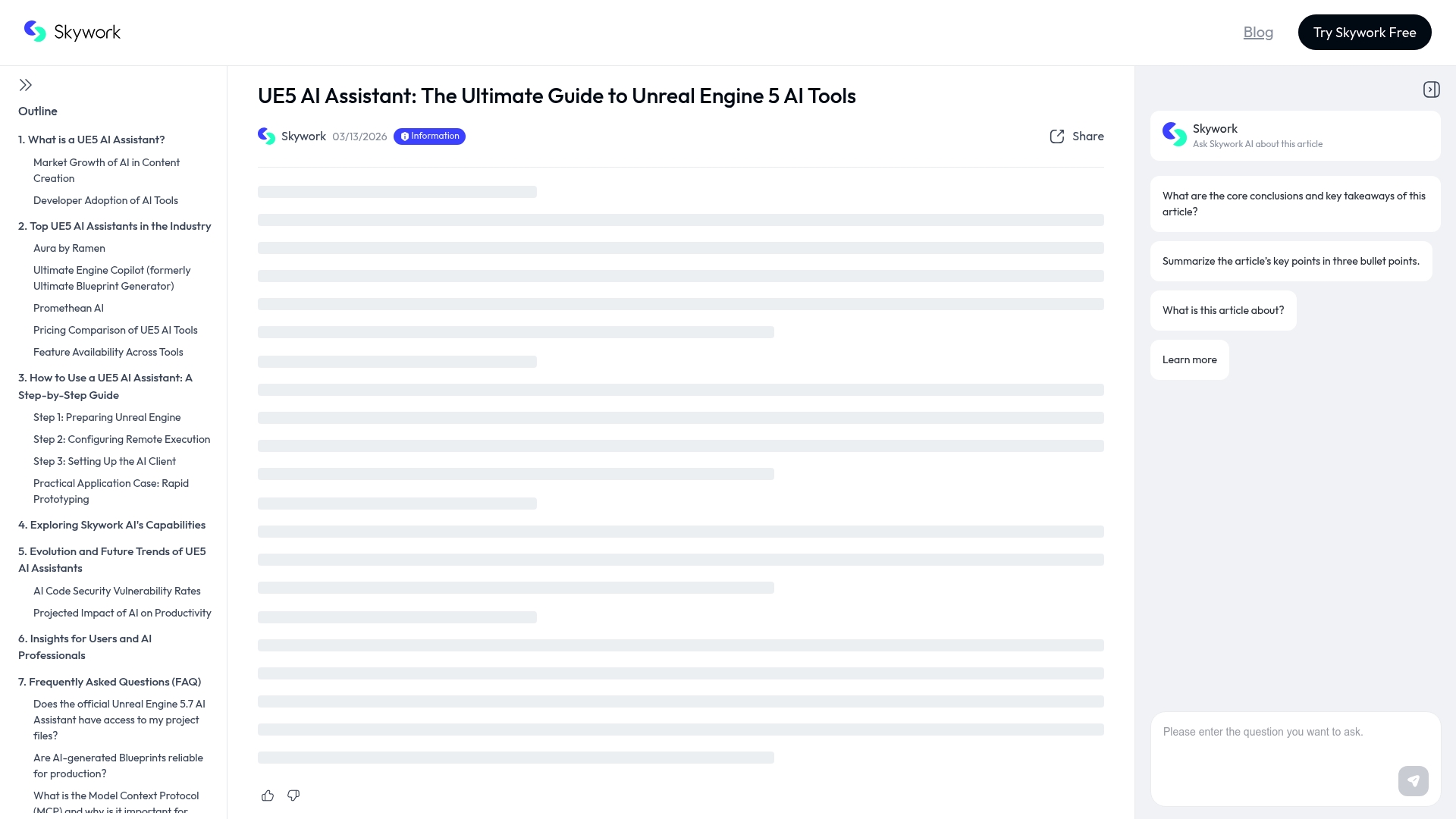
Skywork AI is a research and documentation hub for integrating AI into Unreal Engine 5 that prioritizes technical depth and practical guidance. It excels at turning academic and engineering material into actionable resources for developers who want to adopt AI responsibly and effectively.
Core Features
Skywork AI centers on comprehensive research and practical tutorials that cover UE5 AI assistants, MCP Server architecture, and security considerations. The site also offers analysis of leading assistant implementations and guidance for multimodal content generation and technical workflows.
Pros
- Rich technical analysis: The platform provides detailed guides and deep dives that help you understand complex AI design patterns and implementation trade offs.
- Supports multiple models: Skywork AI documents integration approaches for a variety of AI models and systems so you can compare options before committing.
- Security focused: The resources include coverage of AI security and safe deployment practices that help teams reduce risk in production environments.
- Adoption resources: The site offers step by step documentation and strategies for AI engineering and organizational adoption that speed internal buy in.
- Workflow clarity: Skywork AI translates research into practical workflows that clarify how to add AI for asset creation, scripting, and scene management.
Cons
- Steep for beginners: The material skews technical and may overwhelm developers who are new to AI or unfamiliar with UE5 internals.
- Not a standalone tool: Skywork AI is primarily educational and does not deliver ready made plugins or turnkey AI tools for immediate use in projects.
- Requires technical investment: Teams must invest time and engineering effort to convert the documented approaches into production quality systems.
Who It's For
Skywork AI is aimed at AI engineers, technical artists, and mid sized game teams that plan to build custom AI tooling inside Unreal Engine 5. If you lead technical adoption or architect pipelines this resource accelerates informed decision making and prototype design.
Unique Value Proposition
Skywork AI stands out by combining research level analysis with usable engineering guidance that targets UE5 specific integration points and MCP Server concepts. That clarity helps teams design robust AI assistants and content pipelines with attention to security and future trends.
Real World Use Case
A mid sized game studio uses Skywork AI to evaluate how an assistant could generate level geometry and produce Blueprint logic. Developers follow the guides to prototype a pipeline, validate model choices, and integrate an MCP Server pattern into their build.
Pricing
Pricing is not explicitly specified because Skywork AI functions primarily as an educational and research oriented resource. Access appears focused on free documentation and curated guides rather than subscription software.
Website: https://skywork.ai/skypage/en/ue5-ai-tools-guide/2032294165176852480
CLAUDEAI
At a Glance
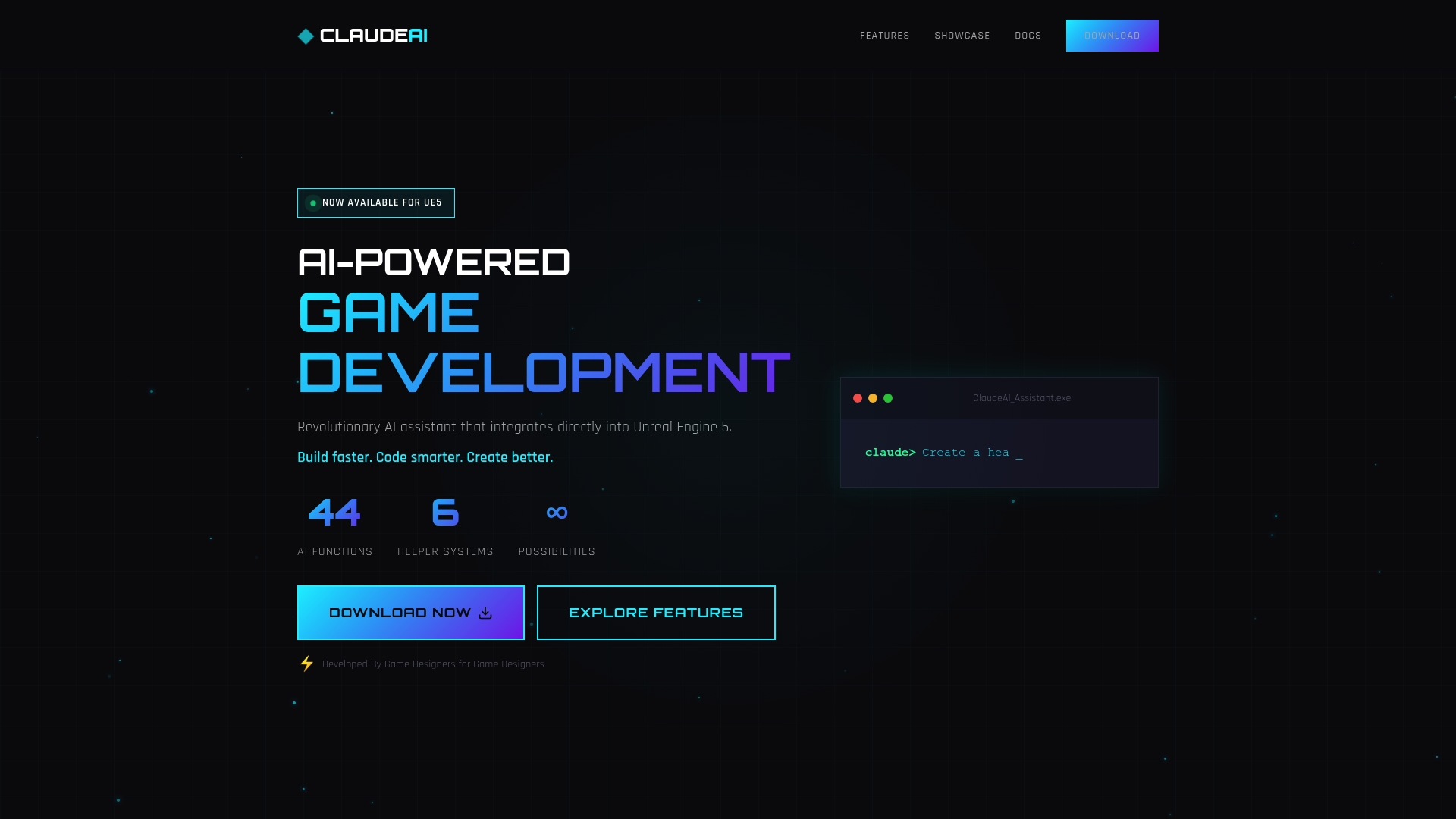
CLAUDEAI is an AI assistant built specifically for Unreal Engine 5 that speeds routine development tasks and helps generate Blueprints, assets, and level layouts from natural language. It trims prototype time and lowers the barrier for complex systems like multiplayer and AI behavior.
The plugin fits teams that want practical, directly usable output inside UE5 rather than abstract tooling. Expect faster iteration at the cost of initial API setup and external AI processing.
Core Features
CLAUDEAI packs six AI assistants that target concrete UE5 systems and provide natural language generation for code and assets. The plugin offers workflow integration that installs in project pipelines and connects to API services for processing.
- Integration with Unreal Engine 5 for in-editor assistance.
- Blueprint, Game Mode, 3D Asset, UI/UMG, AI Behavior, and Level Generator assistants.
- Natural language code and asset generation plus optimization routines.
Actionable takeaway: Use the assistants to scaffold systems fast and refine outputs inside UE5.
Pros
- Deep integration with Unreal Engine 5: The plugin runs inside the editor so generated Blueprints and assets appear where you work.
- Comprehensive assistant coverage: Six specialized assistants reduce context switching across gameplay, UI, AI, and levels.
- Natural language workflow: You can describe behaviors in plain text and receive files or Blueprint scaffolding automatically.
- Developer focused design: Built by game developers for game developers, the feature set targets real production tasks.
- Supports complex game features: The system handles multiplayer logic, AI behaviors, and level design needs rather than only trivial examples.
Takeaway: CLAUDEAI reduces repetitive setup and speeds prototype to playable build cycles.
Cons
- Requires an API key and initial configuration to unlock full functionality which adds setup time and management overhead.
- Depends on AWS APIs for AI processing which can introduce external costs for heavy usage and needs account administration.
- Limited to Unreal Engine 5 which prevents reuse on older Unreal projects or mixed engine pipelines.
Actionable takeaway: Plan for API budgeting and a setup step before rolling the plugin out to a team.
Who It's For
CLAUDEAI targets indie developers and small studio teams using Unreal Engine 5 who want to accelerate development without hiring extra specialists. It fits studios that prototype aggressively and prefer in-editor AI helpers to generate Blueprints, assets, and level mockups quickly.
Unique Value Proposition
CLAUDEAI combines six targeted assistants with in-editor delivery so teams get usable Blueprints and assets directly inside UE5. The unique value is practical AI that produces playable scaffolds rather than just suggestions, saving design and engineering cycles.
Real World Use Case
A development team used CLAUDEAI to convert design descriptions into initial Blueprint logic, optimize character meshes for mobile targets, and rapidly prototype multiplayer modes. The approach cut early iteration time and freed engineers for polish.
Pricing
The plugin requires an API key and a free tier is available at console.anthropic.com. Detailed API usage pricing is not specified and depends on your AWS API consumption and account plan.
Website: https://claudeaiplugin.com
Unreal Engine Forums
At a Glance
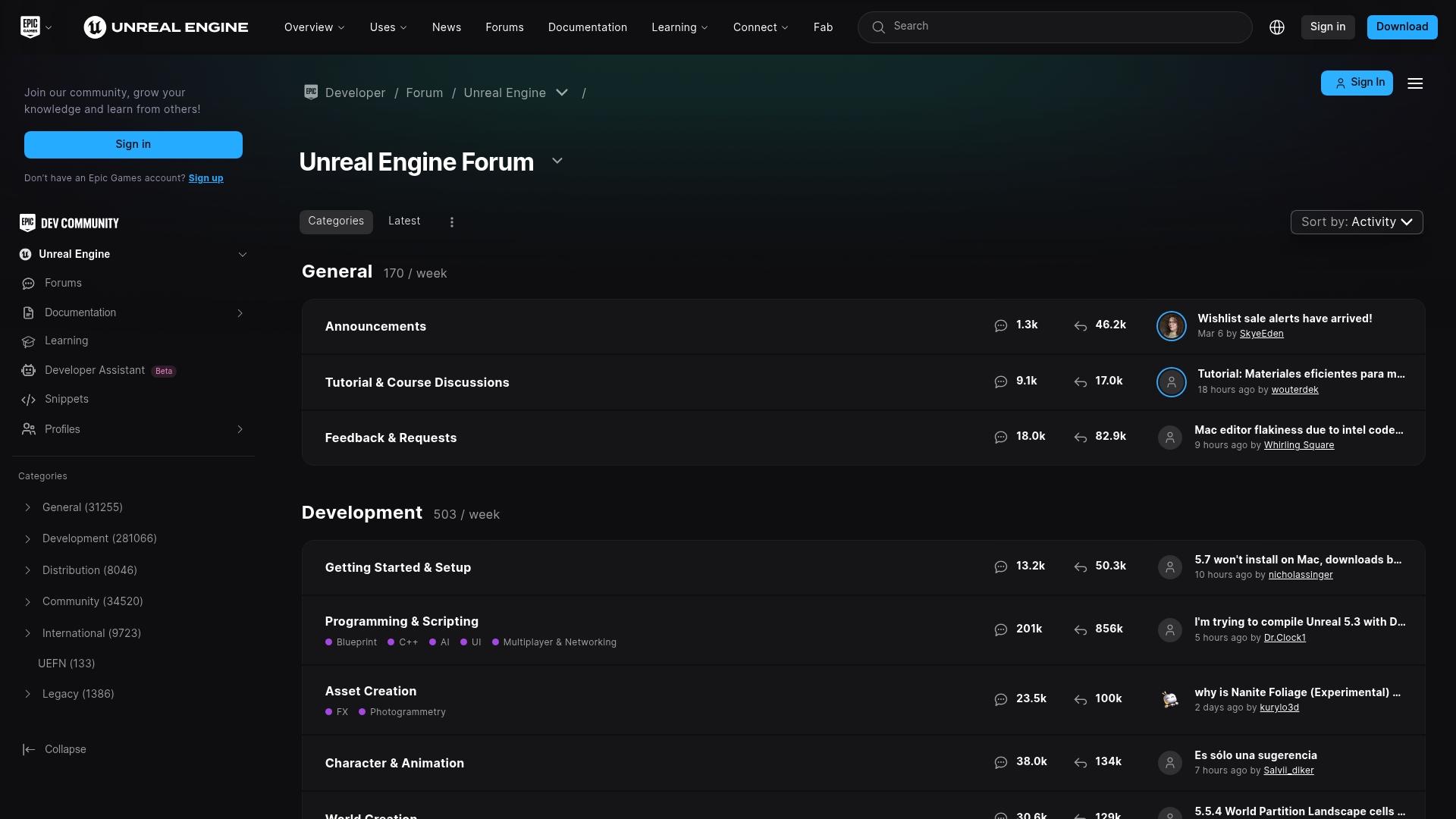
Community forum dedicated to Unreal Engine users with official Epic Games announcements and a wide set of community resources. It is a free, global hub for questions, tutorials, asset showcases, and development discussion aimed at UE developers.
Core Features
The forum hosts community discussions on engine features and updates where developers share fixes and workarounds for real problems. Official news, challenges, and livestreams from Epic Games appear alongside developer threads.
The site contains tutorials and courses, a Marketplace for assets, and sections for plugin and pipeline support covering both Unreal Engine 4 and Unreal Engine 5. The mix of official posts and user content creates varied learning paths.
Pros
-
Active community: The forum has a wide range of topics that surface fast answers and diverse viewpoints for technical problems.
-
Official announcements: Epic Games posts news and challenge updates in the same place where developers discuss practical implications and fixes.
-
Learning resources: Tutorials and community guides provide hands on approaches that complement formal documentation.
-
Marketplace access: The integrated Marketplace lets you find, buy, and discuss assets and packs without leaving the community space.
-
International support: Threads and sections support multiple languages which helps teams and solo developers around the world.
Cons
-
Disabled email notifications: With email notifications turned off, staying updated requires frequent manual checks of threads and sections.
-
Variable content quality: User generated content varies in accuracy and can require skepticism and additional verification before applying solutions.
-
Information overload: Popular threads and high post volume make it easy to miss important replies or to spend extra time filtering noise.
Who It's For
Unreal Engine developers, game creators, artists, technical artists, and hobbyists who need community support, peer feedback, and access to asset listings will find the forums useful. It fits solo developers and small teams seeking pragmatic help.
Unique Value Proposition
The forum combines official Epic communication with community problem solving and a built in Marketplace. That blend gives you direct access to announcements and real world developer experience in one free platform.
Real World Use Case
A developer facing a UE5 graphics bug can post code snippets and screenshots, receive responses from experienced users, find related official notes, and then locate an asset or plugin recommendation in the Marketplace.
Pricing
Free to access and participate for all users which lowers the barrier for indie teams and solo developers to get help and discover assets.
Website: https://forums.unrealengine.com
Promethean AI

At a Glance
Promethean AI is an AI driven platform that helps creative teams manage assets and build environments faster while keeping existing pipelines intact. It fits teams that need powerful asset management with enterprise grade data protections and workflow customization.
Core Features
Promethean AI centers on Asset Management, AI World Building, and Enterprise Features & API to support production scale workflows. The platform emphasizes keeping your current pipeline unchanged in basic use while providing automation to reduce repetitive tasks for artists.
Pros
- Multi industry support: The platform supports gaming, film, and architecture which helps cross disciplinary teams work from a single system.
- Data security focus: Promethean AI prioritizes data security and workflow integration which appeals to studios with strict asset governance.
- Enterprise customization: The tool offers flexible and customizable enterprise features which adapt to complex production requirements.
- Non disruptive adoption: You do not need to upload assets or change existing pipelines for basic use which lowers onboarding friction.
- Free version available: A free version exists for individual users which lets solo artists and small teams evaluate core functionality without upfront cost.
Cons
- Opaque AI details: Public documentation provides limited detail on the specific AI capabilities which makes technical evaluation harder for engineers.
- Technical setup required: Enterprise features require some technical setup which increases initial integration time for teams without dedicated DevOps.
- Editor compatibility limits: Version compatibility with all 3D editors is not guaranteed which means some pipelines may need adjustments or additional testing.
Who It's For
Professional creative teams in gaming, film, animation, and architecture will get the most value from Promethean AI. It suits studios that want AI assisted environment creation combined with robust asset management while keeping their existing production pipelines intact.
Unique Value Proposition
Promethean AI brings together organized asset control and automated world building under an enterprise oriented feature set. The standout benefit is the ability to adopt AI driven tools without forcing asset migration which reduces risk for production teams.
Real World Use Case
A game development studio uses Promethean AI to manage digital assets and automate environment creation inside their engine pipeline. Artists spend less time on repetitive layout tasks and more time refining visuals and gameplay specific assets.
Pricing
Promethean AI offers a free version for individual users. Additional pricing and enterprise options are available via their website where teams can request detailed plans and integration guidance.
Website: https://prometheanai.com
Unreal Engine AI Tool Comparison
This table provides a concise comparison of notable AI tools and resources for Unreal Engine developers, highlighting their unique features, benefits, drawbacks, and pricing plans to help you choose the best option for your project.
| Tool Name | Key Features | Pros | Cons | Pricing |
|---|---|---|---|---|
| Ludus AI | AI toolkit providing Unreal Engine 5.1-5.7 compatibility, with features such as scene composition, asset creation, and bug diagnosis | Accelerates prototyping workflow and learning curve | Limited to Unreal Engine; potential dependency on subscription for extensive usage | Free plan (1,500 credits); Indie: $10/month; Pro: $25/month; Enterprise: custom pricing |
| Skywork AI | Resource hub for UE5 AI integration, offering research-based guidance on safe AI deployment | Rich technical insights; facilitates AI model selection | Not a standalone tool; entails significant time investment | Free access with guides and no specified additional costs |
| CLAUDEAI | AI plugin for UE5, featuring six assistants for development tasks like asset and scripting generation | Streamlined prototyping; integrated plugin functionality for UE5 | API key requirement; external costs for processes via AWS APIs | Free API tier available; other costs depend on usage |
| Unreal Engine Forums | Epic Games' forums and resources offering a community-driven ecosystem for knowledge sharing and asset discussions | Community-driven support with marketplace integration | Content quality variability; lacks immediate actionable project tools | Free access for all users |
| Promethean AI | Asset management and AI-assisted environment creation platform supporting industry workflows | Nonintrusive integration; focus on asset governance for an enterprise-grade application | Compatibility and setup issues for some pipelines | Free version for individuals; enterprise pricing via inquiry |
Boost Your Unreal Engine 5 Productivity with Ludus AI
The "Top 5 UE5 Productivity Tools Comparison 2026" highlights common challenges game developers face such as lengthy iteration cycles, repetitive Blueprint scripting, and asset creation bottlenecks. If you want to move faster from idea to playable prototype without sacrificing quality, Ludus AI offers a powerful solution specifically tailored for Unreal Engine 5.1 through 5.7. It acts as an intelligent copilot that generates C++ code, creates functional Blueprints, and rapidly composes 3D models all inside your editor.
Key advantages include:
- Instant generation of code and assets to cut down repetitive tasks
- Engine knowledge support that speeds debugging and learning
- Flexible plans that help both solo indies and teams scale efficiently
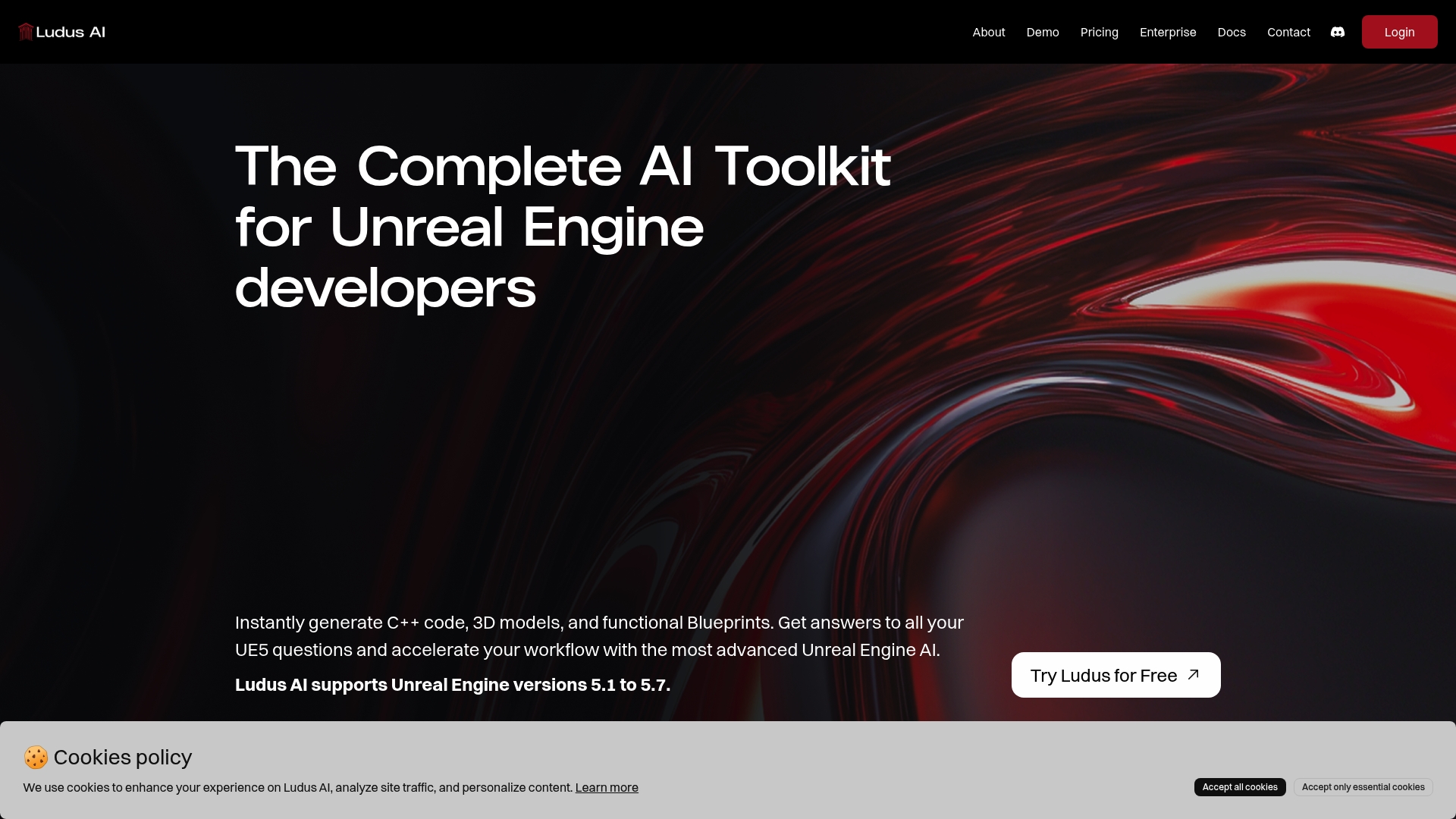
Don’t let development drag your creativity down. Experience how Ludus AI can transform your workflow by trying it for free today at LudusEngine.com. Take the next step toward faster UE5 development and stay ahead with this integrated AI toolkit.
Frequently Asked Questions
What are the main features to look for in UE5 productivity tools for 2026?
The main features to consider include fast iteration capabilities, asset and code generation, as well as debugging assistance. Make a checklist of these features when evaluating different tools to streamline your workflow and enhance productivity.
How can I determine which UE5 productivity tool is right for my development team?
Assess your team's specific needs, such as the size of your team and types of projects you handle. Create a comparison chart of tools against your needs to see which one aligns best with your development style and requirements.
What is the average time savings when integrating a productivity tool into UE5?
On average, teams can expect to save around 20-30% of their development time by utilizing an effective productivity tool. Measure your current workflows to calculate how integrating a tool could affect your timelines.
Are there any free plans available for productivity tools in UE5?
Yes, many UE5 productivity tools offer free plans or tiers to help developers get started. Sign up for these free tiers to explore features and functionalities before committing to a paid plan.
How do UE5 productivity tools improve asset creation and management?
These tools often include features for automatic generation and organization of assets, reducing the manual effort involved. Implement one of these tools for your next project to experience streamlined asset management and improved workflow efficiency.